Fast Turnaround, Premium Quality
Start Your Custom Print Order
Upload your files and place your print order in minutes. High-quality banners, signs, and promotional materials—ready when you need them.

How to Place Your Printing Order
1. Choose your product: Select the type of printing service you need, such as custom banners, business cards, or posters.
2. Fill out the order form: Enter your contact details and project specifications, including size, quantity, and preferred materials.
3. Upload your files: Attach your print-ready artwork or design files using our secure upload feature. Accepted formats include PDF, JPG, and PNG.
4. Add custom requirements: Specify any special instructions, finishes, or deadlines to ensure your order meets your expectations.
5. Review and submit: Double-check your information, then submit your order. Our team will review your request and contact you if any clarification is needed.
Your print projects, handled with speed and care.
Order Printing Online, Fast & Secure
Experience seamless online ordering with features designed for your convenience.
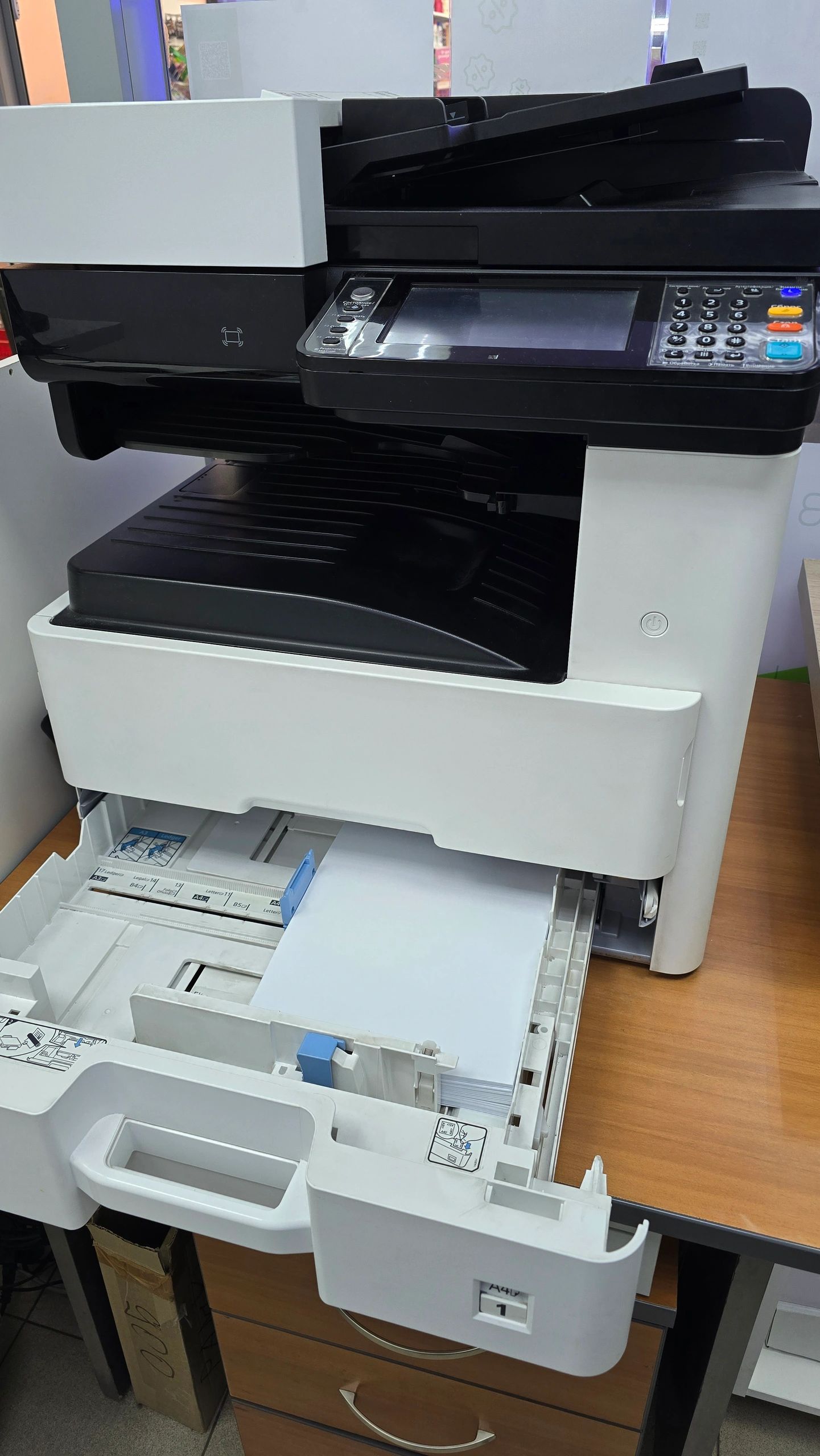
Order in minutes, anytime.
Simple & Convenient Online Orders
Place your printing orders anytime from any device with our easy-to-use online system.
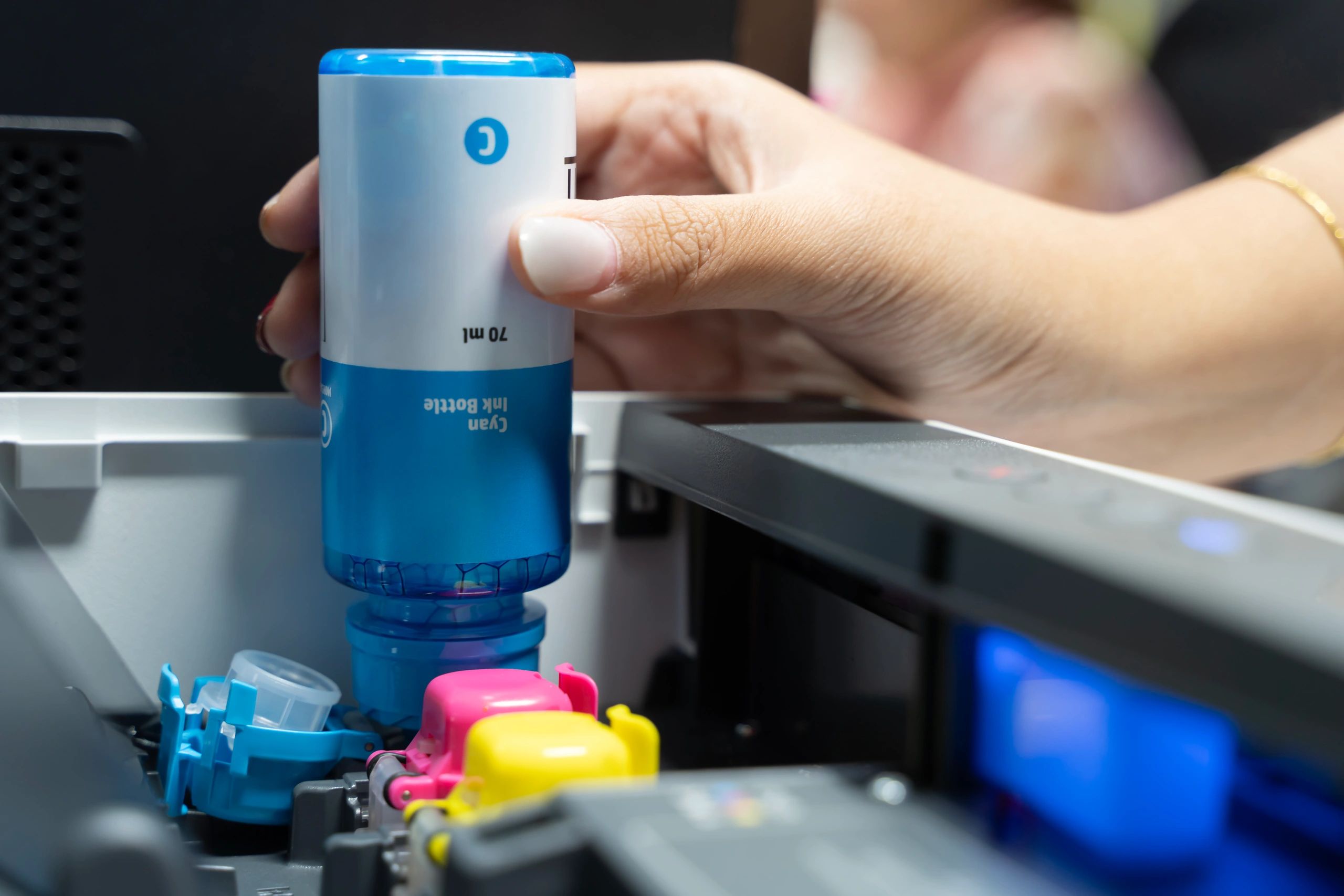
Your files, fully protected.
Secure File Uploads
Your artwork and files are protected with advanced security measures throughout the upload process.
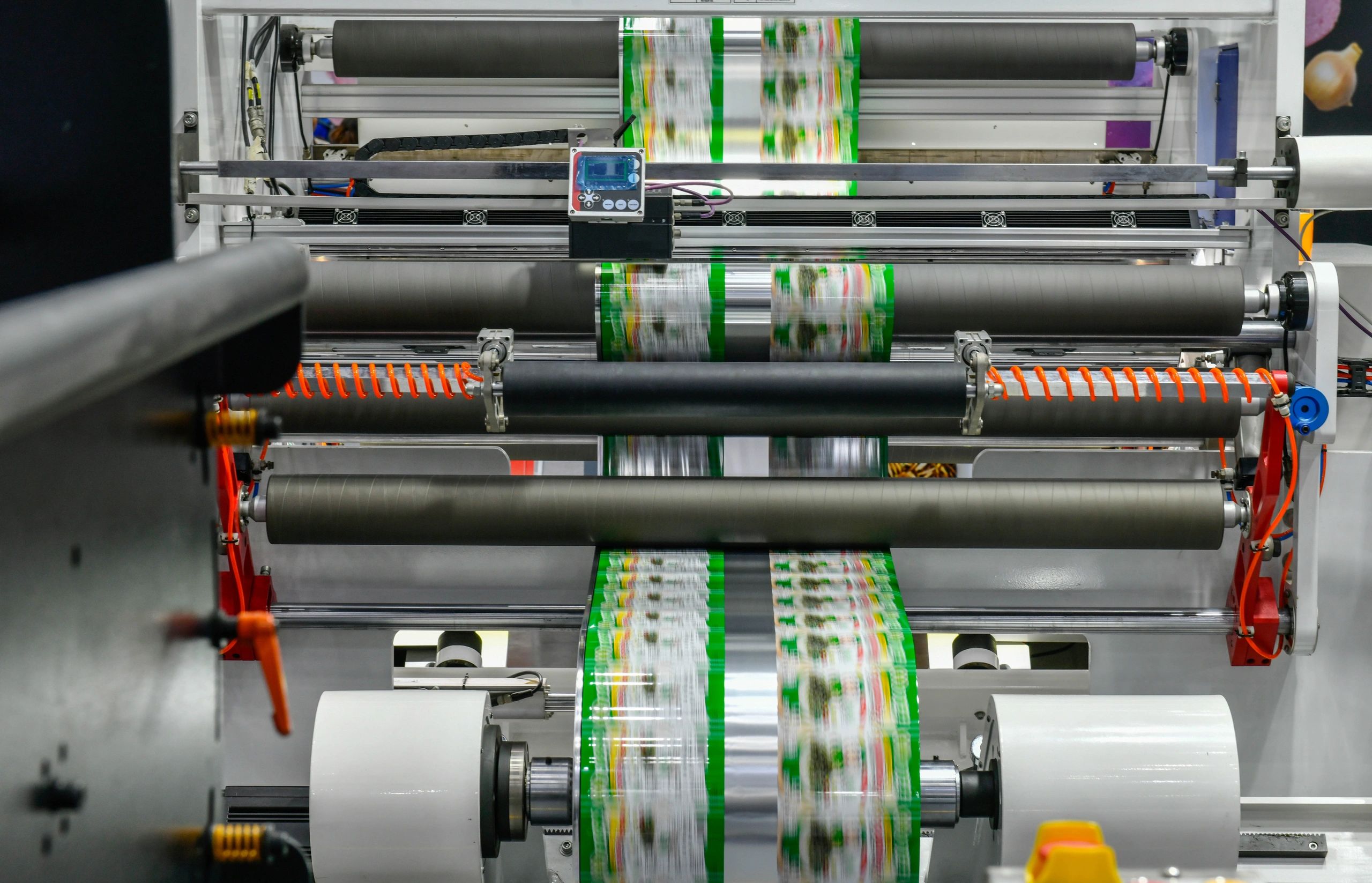
Fast turnaround, every time.
Rush Printing Options
Need it fast? Select rush printing at checkout and get your materials delivered on your timeline.
Stay updated, every step.
Real-Time Order Tracking
Track your order status from production to delivery, so you’re always in the know.
Ready to Place Your Order?
Submit your printing order now and our team will take care of the rest. If you have any questions or need rush service, our support specialists are ready to help.